Headshots and portraits with a consistent face
Profile photos, press portraits and about-page images all need a clean, well-lit face that actually looks like the person. Because AI Influencer builds the character from genuine reference photos, headshots keep true features instead of a generic face. Describe the backdrop, wardrobe and lighting, then render the final at High quality for 80 credits.
5 free credits · no watermarks · images from 5 credits · videos from 24

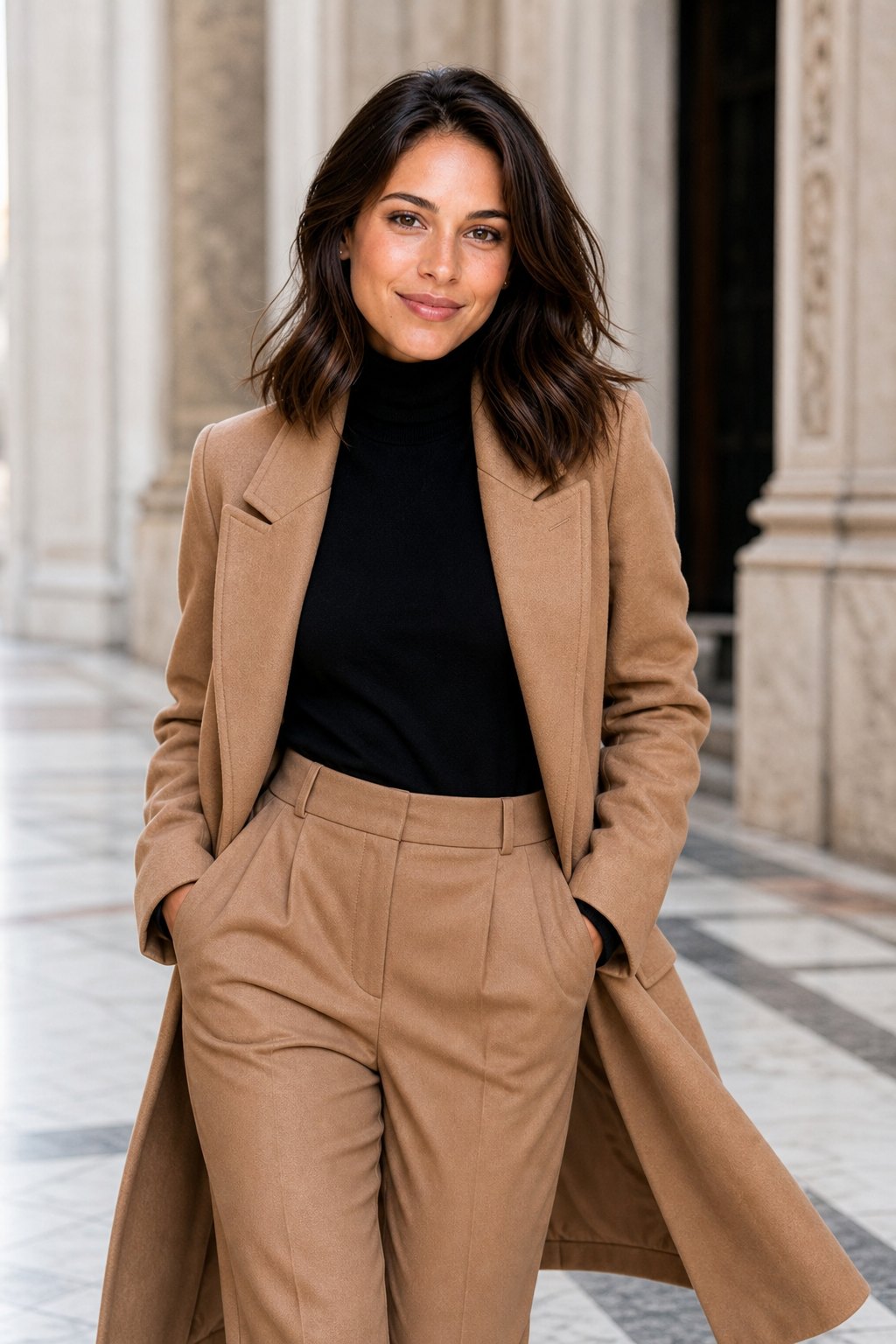

Samples made with AI Influencer, each from a few reference photos.
01
Looks like you
Your reference photos preserve your real features, so the portrait remains recognisably you.
02
Studio lighting by request
Ask for softbox, rim light, window light or overcast daylight in plain words.
03
Wardrobe variety
Blazers, knitwear, shirts and scrubs for different professional contexts on one face.
04
Portrait to clip
Animate a headshot into a subtle nod or smile for video intros and profile clips.
How it works
Three steps, no photoshoot.
- 1
Upload references
Provide 3-10 sharp, front-facing photos with neutral expressions and varied light.
- 2
Choose the setting
Pick a seamless studio backdrop, an office, or a leafy outdoor spot.
- 3
Render at High
Use the 80-credit tier for the final; the download carries no watermark.
Image prompt ideas
- 01Classic head-and-shoulders portrait in a charcoal blazer, neutral grey backdrop, soft key light and gentle fill.
- 02Corporate headshot in a glass office lobby, dark navy suit and crisp white shirt, softly blurred background.
- 03Outdoor portrait under a tree canopy in a green knit sweater, dappled light, warm relaxed smile.
- 04Creative portrait in a black turtleneck against a deep red wall, dramatic side lighting, confident gaze.
- 05Healthcare portrait in teal scrubs with a stethoscope, bright clinic corridor, approachable expression.
- 06Speaker-style portrait on a dark stage wearing a headset mic, subtle spotlight, blurred audience seating.
Short video ideas
- 01A slow smile forming while holding eye contact against the grey backdrop, silent studio room tone.
- 02Turning from profile to face the camera in the office lobby, faint footsteps and reception murmur.
- 03Breeze moving hair under the tree canopy with a small nod, leaves rustling.
Videos are 3 to 10 seconds, your choice, with native sound. Image → Video animates an existing image; Text → Video creates the image and animates it in one go.
Questions
Good to know.
Can I use these for job profiles?
Yes, they are your images. Some platforms and employers prefer real photographs, so consider whether disclosure is appropriate in your situation.
Can I make headshots of a colleague?
Only when the colleague, being an adult, has offered explicit written consent, and you are at least 18 as well; your own face is always an option. Confirming you own the rights to the reference shots is your job.
Who owns the headshots and portraits I make?
You own them. Our Terms of Service explain this. AI-generated portraits are not treated the same way under copyright in every country, so we cannot give you legal advice about your specific case.
Which tier should I use?
Low at 5 credits is enough to check framing and wardrobe. Switch to High at 80 credits for the version you will actually publish.
More ways to use AI Influencer
Fashion & apparel
Put one consistent AI fashion model in every outfit, season and location. Photorealistic lookbook images from 5 credits and short runway-style clips with sound.
Brand ambassador
Create a persistent AI brand ambassador who fronts campaigns, launches and social posts with one consistent face. Pictures from 5 credits, motion from 120.
Consistent character
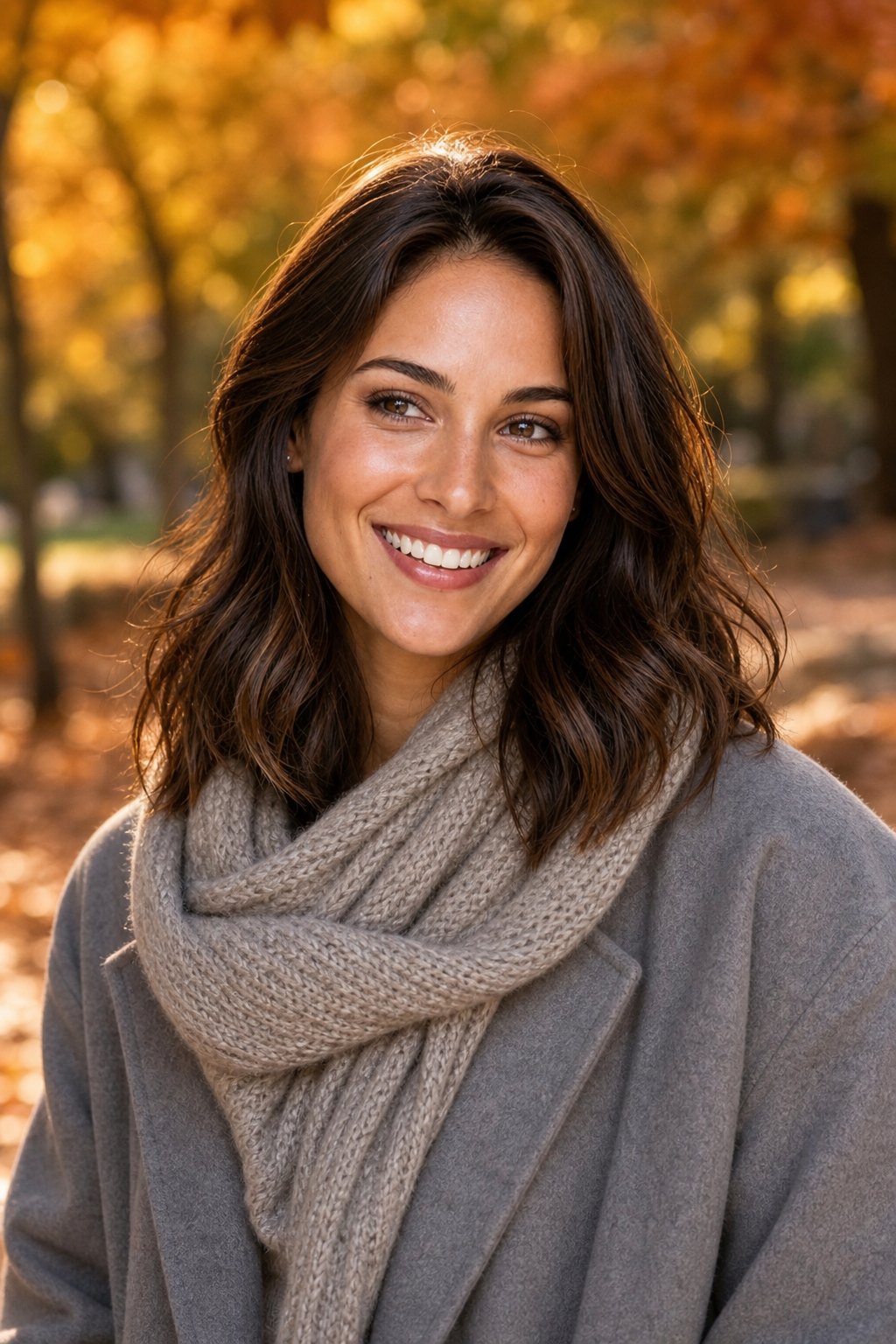
Generate the same AI character across unlimited scenes. Reference photos lock the face so every picture and clip matches; Low tier is 5 credits, no watermarks.
Ready to try it?