An AI fashion model who wears every look
Lookbooks need the same model across dozens of outfits, and booking that is expensive. With AI Influencer you create the model once from reference photos, then describe each garment, backdrop and lighting setup as a prompt. The results arrive in about a minute and are ready for product pages or campaign posts.
5 free credits · no watermarks · images from 5 credits · videos from 24
Samples made with AI Influencer, each from a few reference photos.
01
Same model, new collection
Swap outfits and settings freely while the model's face and proportions hold steady.
02
Studio or street
Describe seamless paper backdrops, city sidewalks or coastal boardwalks with equal ease.
03
Detail when needed
Use High quality at 80 credits for fabric texture and stitching, Low at 5 for quick layout tests.
04
Motion for short clips
Turn a lookbook shot into moving footage with a slow turn or a walk toward the camera.
How it works
Three steps, no photoshoot.
- 1
Create the model
Upload 3-10 shots of the person who will represent the label.
- 2
Write the outfit
Name the pieces, colours, fabrics and fit, plus the setting and light.
- 3
Export the set
Download watermark-free images for the shop, the catalogue and social posts.
Image prompt ideas
- 01Full-length shot in a tailored navy suit and white sneakers, seamless grey studio backdrop, softbox lighting.
- 02Oversized beige trench coat and dark jeans on a foggy pier, muted tones, editorial stance.
- 03Pleated midi skirt with a tucked cream blouse, sunlit courtyard, gentle wind, natural smile.
- 04Wool turtleneck and charcoal overcoat walking a cobblestone alley, golden hour side light.
- 05Puffer jacket over a fitted long-sleeve top and joggers, concrete skate park, overcast sky.
- 06Linen shirt dress with a straw hat at a lavender field, late afternoon haze, relaxed pose.
Short video ideas
- 01Slow 180-degree turn in the navy suit against the studio backdrop, subtle fabric rustle.
- 02Walking toward the camera down the cobblestone alley, coat swaying, footsteps echoing.
- 03Wind catching the trench coat on the pier, distant gulls and lapping water.
Videos are 3 to 10 seconds, your choice, with native sound. Image → Video animates an existing image; Text → Video creates the image and animates it in one go.
Questions
Good to know.
Can the model wear my actual products?
Describe the garment as precisely as you can: cut, colour, fabric and details. The image is generated from that description, so it will represent the item rather than reproduce it pixel for pixel.
Who can be the face of the model?
You, or a second adult whose explicit written consent you have obtained. Both must be at least 18, and it is your responsibility to hold the rights to each reference shot.
Who owns the fashion images and videos I make?
You retain ownership of what you generate, as set out in our Terms of Service, including for commercial catalogues. Note that copyright status for AI-generated imagery varies by jurisdiction, and this page is not legal advice.
Which quality tier suits product pages?
Medium at 22 credits works for most listings. Choose High at 80 credits when a hero image needs visible fabric texture or you plan to print.
More ways to use AI Influencer
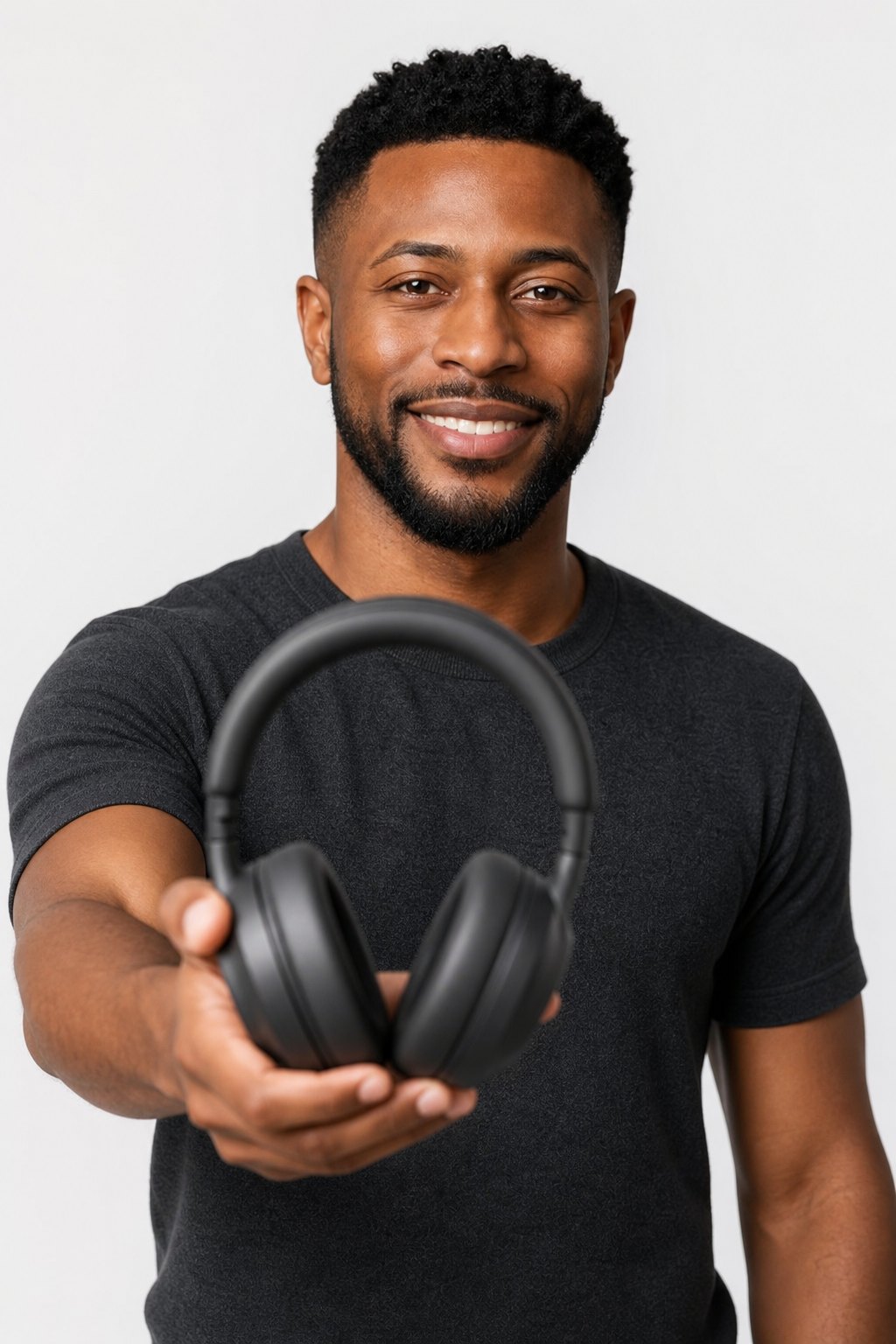
Product photos
Show products held, worn or used by a consistent AI model. Generate on-model images for shops and ads from 5 credits, then add short demo clips with sound.
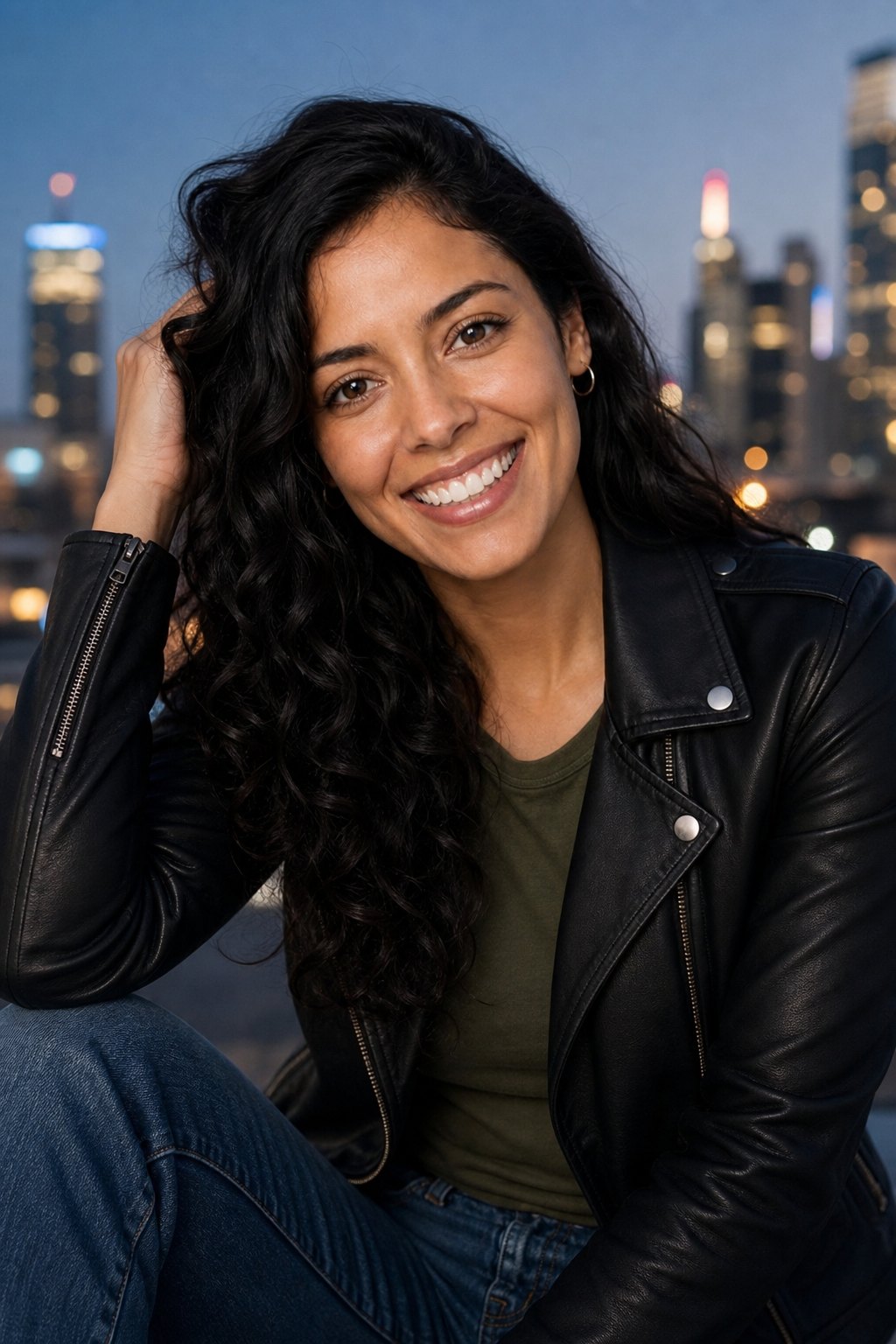
Social media model
Generate a photorealistic AI social media model for feeds, stories and short clips. Consistent face, portrait framing, 5-credit test images and no watermarks.

Headshots & portraits
Professional headshots and portraits of your AI persona or yourself: studio, office and outdoor looks with consistent features, from 5 credits a shot.
Ready to try it?